VIM Ultra
Overview
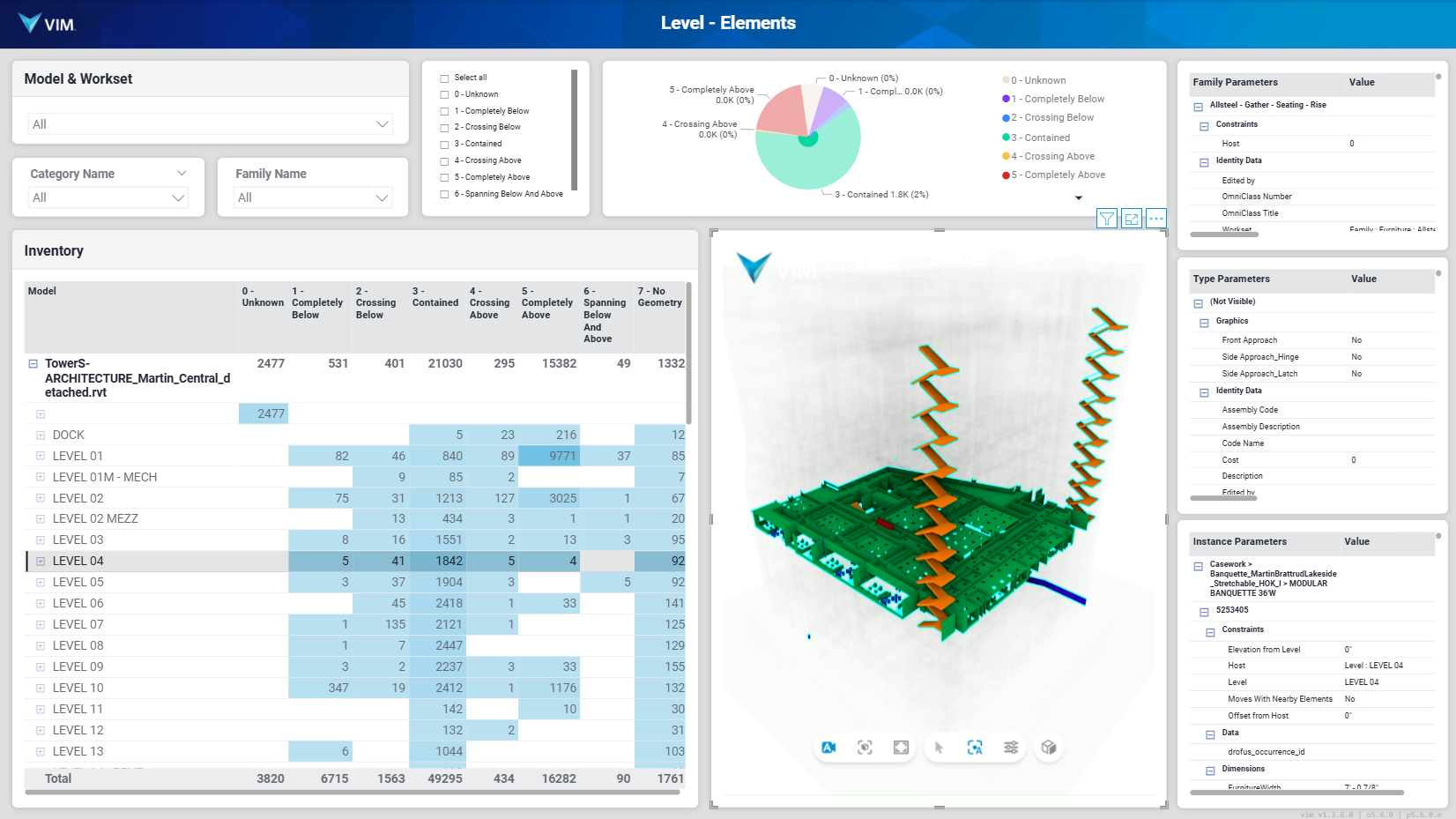
VIM Ultra is a local streaming renderer which lets you display the most complex VIM files quickly and easily in Power BI.
VIM Ultra provides the best interactive experience in Power BI by:
-
✅ Running the same high-performance renderer which drives VIM Flex.
-
✅ Caching VIM files locally to avoid re-downloading them every time you change report pages.
How to Start VIM Ultra
Please follow the instructions below to start VIM Ultra.
-
Open VIM Flex
noteYou do not need to open a VIM file to start VIM Ultra.
-
Go to View > VIM Ultra, or press the lightning shortcut button in the top menu bar.

-
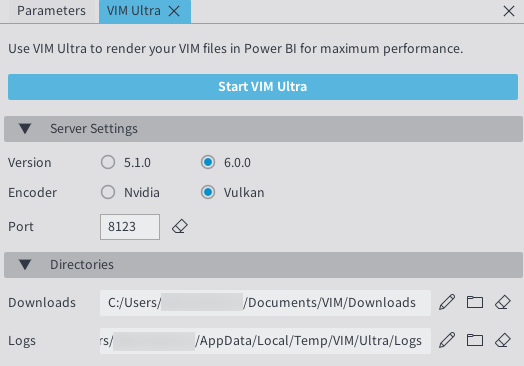
The VIM Ultra tab will open.
-
Configure the "Server Settings"
-
Version
-
6.0.0 - Compatible with recent VIM Power BI report templates whose file name includes "U6.0.0"
-
5.1.0 - Compatible with legacy VIM Power BI report templates
-
-
Encoder
-
Nvidia - Compatible with Nvidia GPUs
-
Vulkan - Compatible with both Nvidia and AMD GPUs
-
-
Port
- The default port "8123" is configured to connect with the default settings of the VIM Power BI Custom Visual.
-
-
Click on Start VIM Ultra.
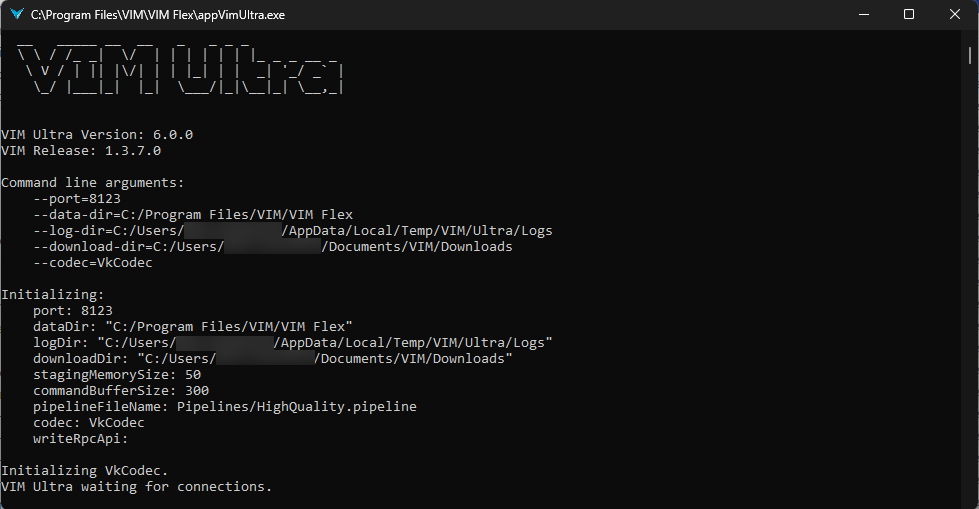
This will launch a local console process (appVimUltra.exe) which will wait for local connections and stream the rendered frames into the VIM Power BI Custom Visual via the websocket protocol.
-
Open your VIM Power BI report. The VIM Power BI Custom Visual will automatically connect to VIM Ultra and render the model in the page, replacing the default VIM WebGL render mode.