Getting Started with VIM Flex
Overview
VIM Flex is a Windows desktop application which lets you open, analyze, and compare VIM files. A VIM file is a snapshot of your BIM model which contains all the geometry and all the elements and parameters (and a whole lot more!)
You can create VIM files using the exporters for Revit, Navisworks, and IFC, as well as from VIM Enterprise.
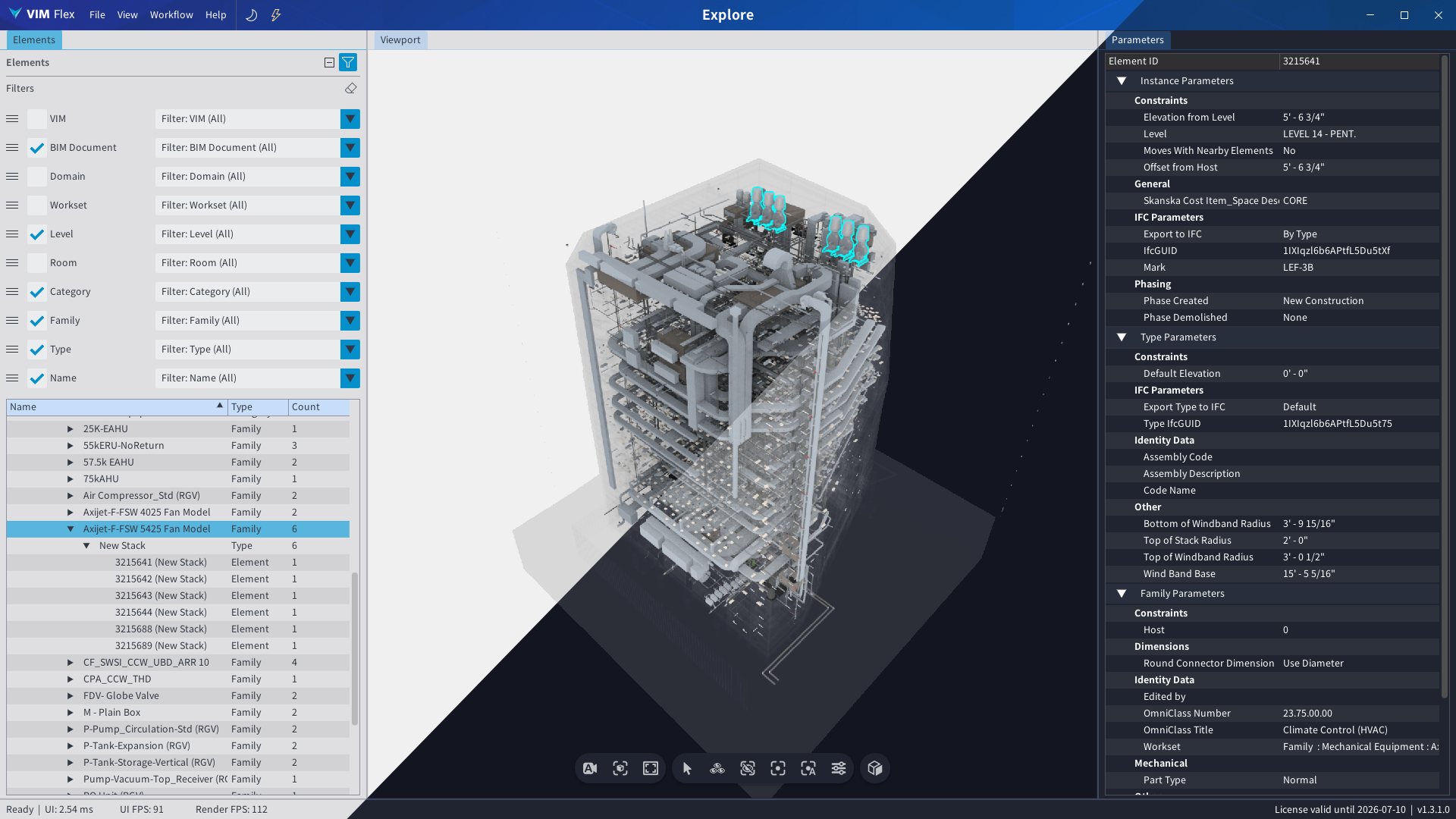 Choose your color theme in VIM Flex with light mode and dark mode.
System Requirements
| Resource | Requirement |
|---|---|
| Operating System | Windows 11 |
| CPU | Multi-core 2.20 GHz CPU or greater |
| Memory | 16 GB DDR4 RAM or greater |
| GPU | Discrete Graphics Device: NVIDIA 1080Ti, Quadro K600 or AMD equivalent or greater - Must be compatible with the Vulkan graphics API v1.3.275+ - Please ensure the latest graphics drivers are installed |
Put your computer in "Best Performance" mode for an optimal experience.
Setup
To install and run VIM Flex:
-
Ensure your computer meets the recommended system requirements above.
-
Download the VIM Flex Installer
-
Run the installer executable.
-
Use one of the free VIM exporters for Revit, Navisworks, or IFC to create a VIM file and open it in VIM Flex. These exporters are installed alongside VIM Flex.
-
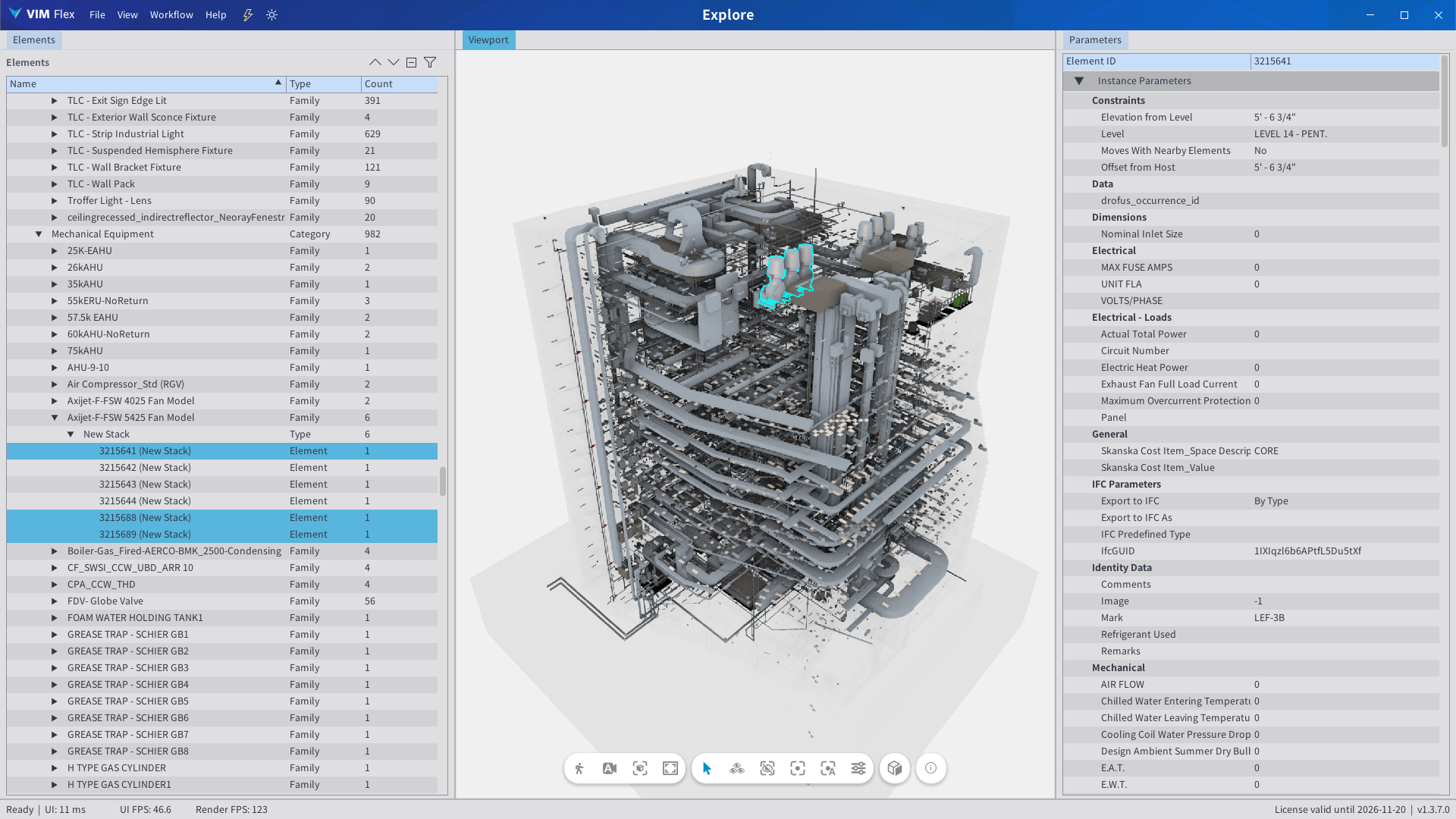
With the VIM file opened in VIM Flex, use the free Explore workflow to analyze VIM files quickly and easily.
-
Extra workflows like Diff and Mesh Audit require you to upgrade with a license key.